Deleting Pages
When a page is no longer needed, you can delete it from the system entirely.
⚠️ Warning
Deleting a page is an irreversible action. Because RMS relies on a highly efficient file-based data store, deleting a page immediately removes its JSON entry from the system. Ensure you really want to delete a page before confirming!
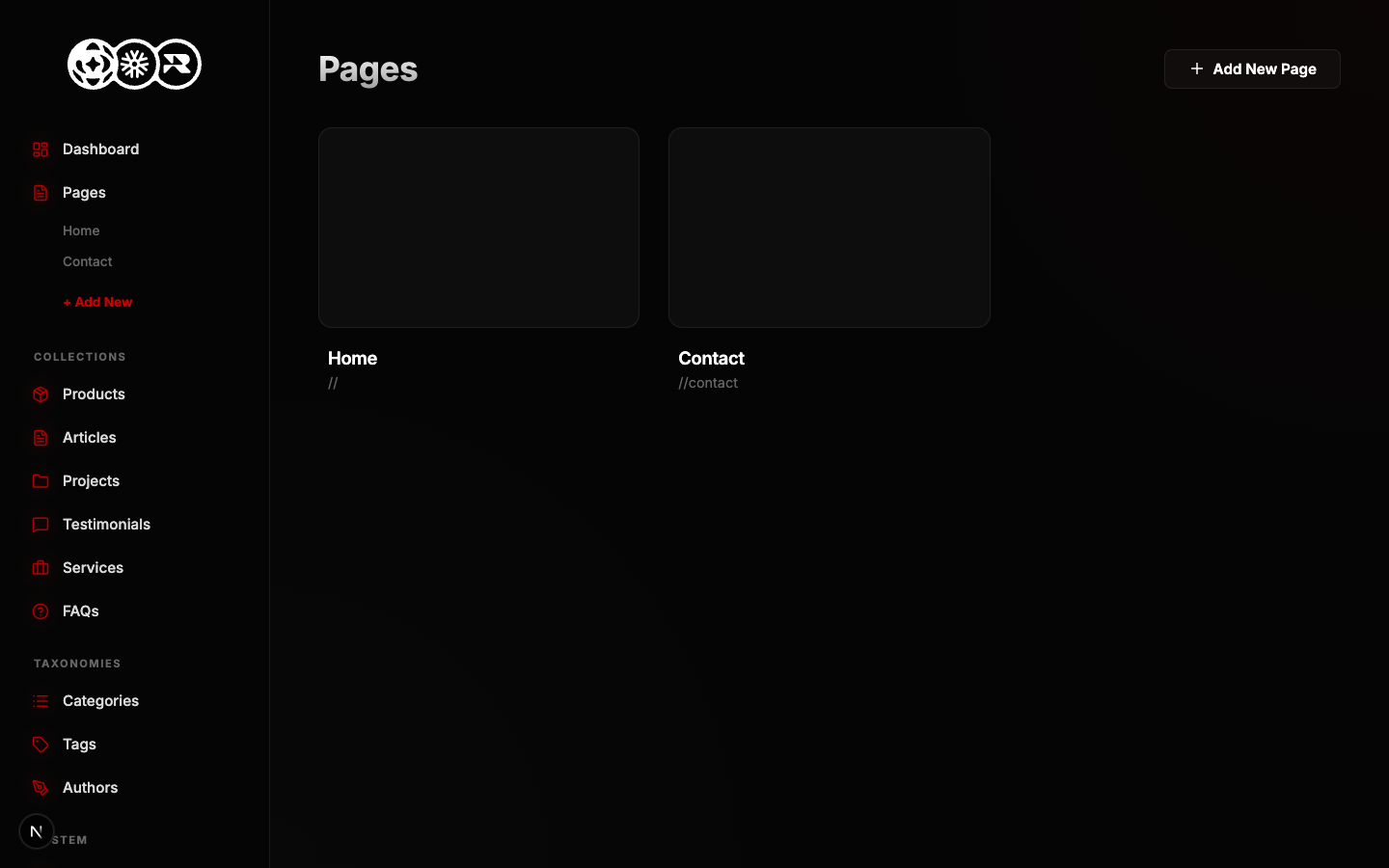
How to Delete
- Navigate to the Pages tab in the sidebar.
- Locate the page row you want to remove.
- Click the Trash Can icon on the far right.
- Confirm the deletion prompt if it appears.